Click Pages in the left sidebar. This will show the Pages screen with a list of all the pages you have in your site.
Click the Pages > All Pages in the left sidebar > It will navigate to the Page Or Search that page which you want to edit.
After getting result hover over the page which you want to edit and you will see some option, In which Click on EA Duplicator.
Hover Over That Page which you want to Edit & You’ll see some options, In which click on Edit With Elementor.
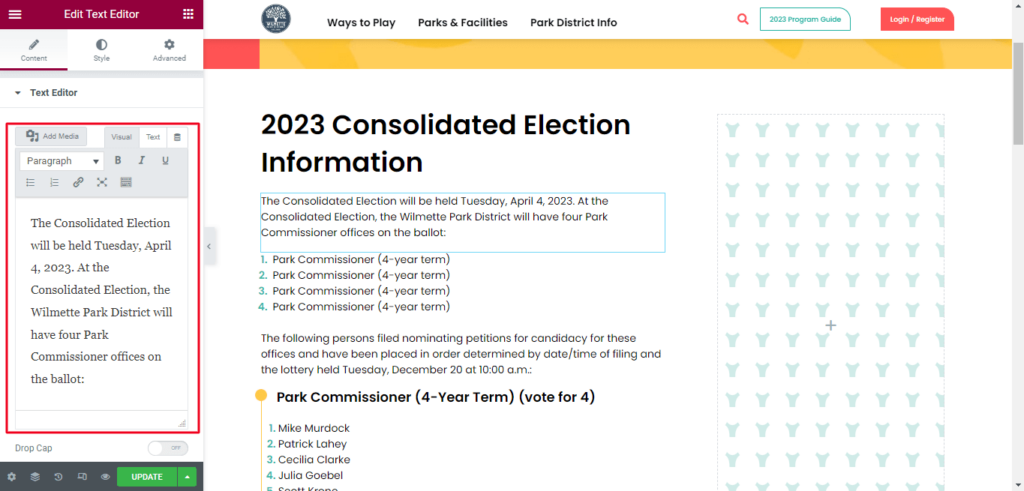
Click on the text which you want to edit -> Change text accordingly and click on update.
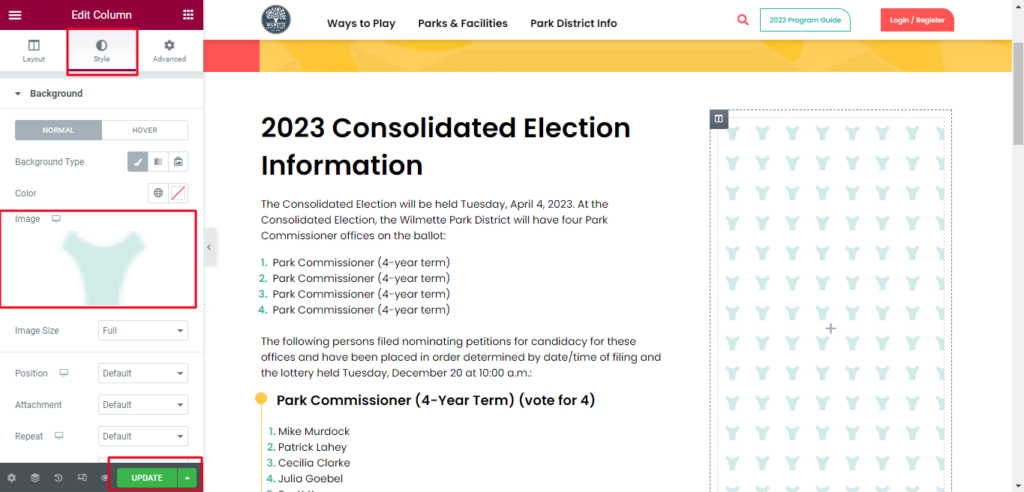
For Example : You need to added a background image -> Click a column in which you want to add a background -> click on Style tab -> Added a background image -> Click on Update
How to Save Section as a Template
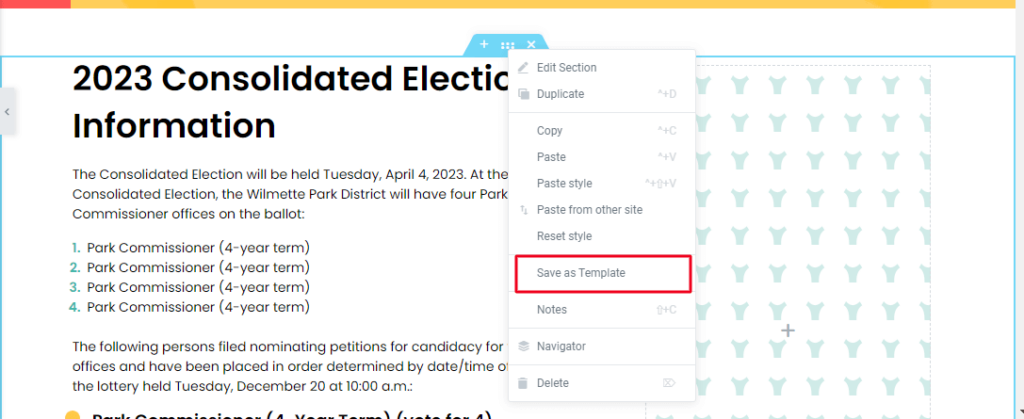
Click on section which you want to save as template > Right on dotted button.
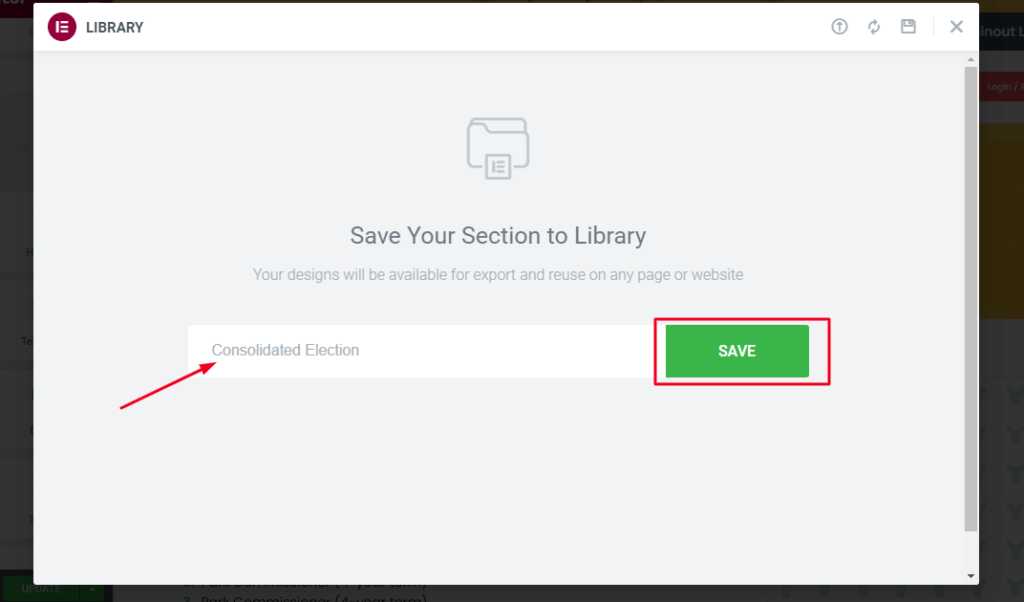
Click on Save as Template and Enter your template name and click on save button.
Now your section will save in template which you can easily insert on any of your pages
How to Delete Page
Select the Pages tab at the left side of the window > Hover over the page that you want to delete, then click the Trash option