Skip to content
Home
Contact Us
Search
Search
How to add event
Home
/
How to add event
Log in to the WordPress Administrator Dashboard.
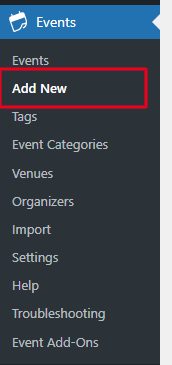
Navigate to the Events Manager
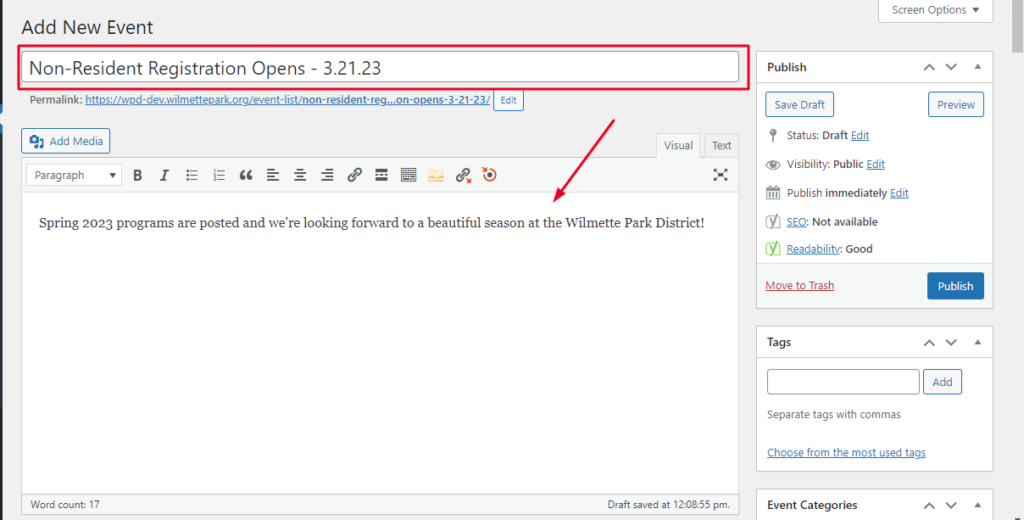
Add a post title and description.
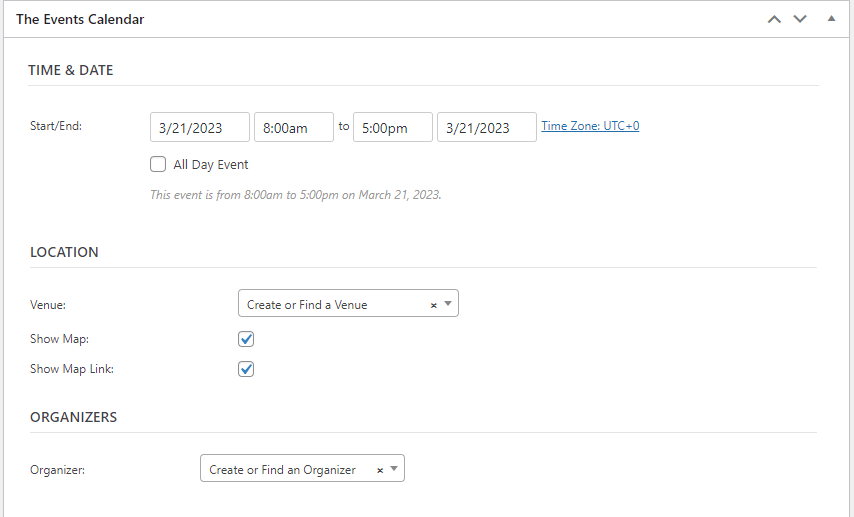
Select the event’s start/end date and time. You can also set the Time Zone -> Add Location
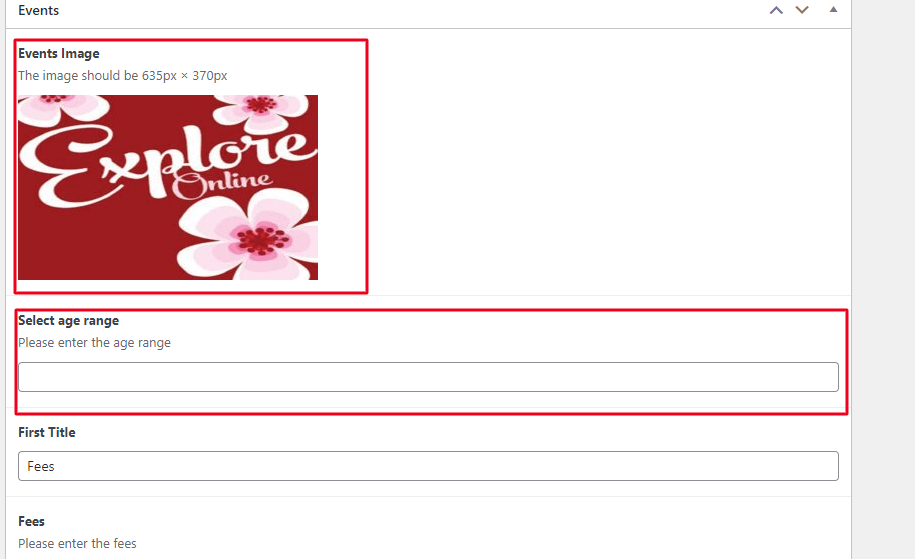
In the
Events editor
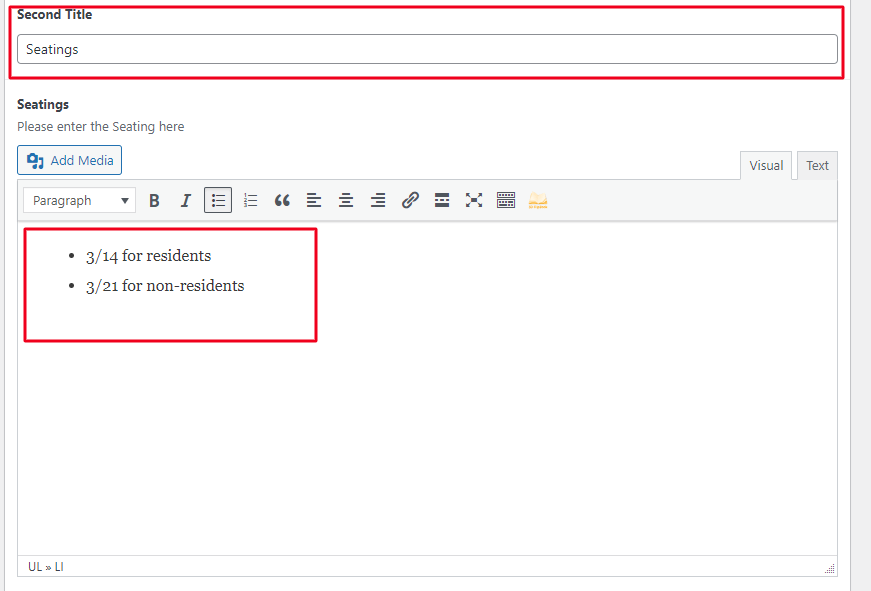
enter all the events details(For example : Events Image, Age range,fees etc)
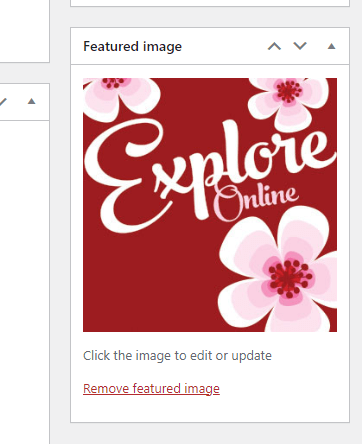
In the Featured Image Editor, upload the image for the event.
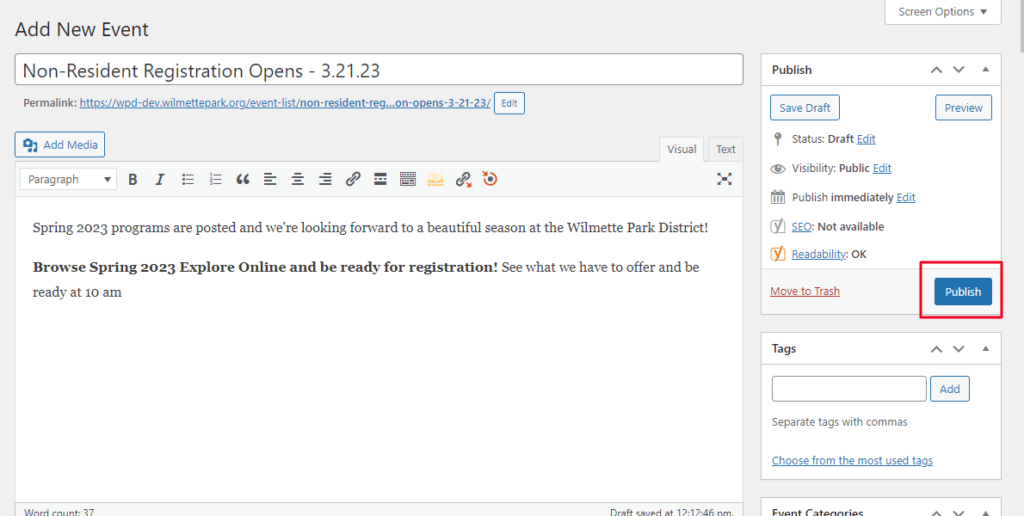
After adding all the details > Click on Publish.
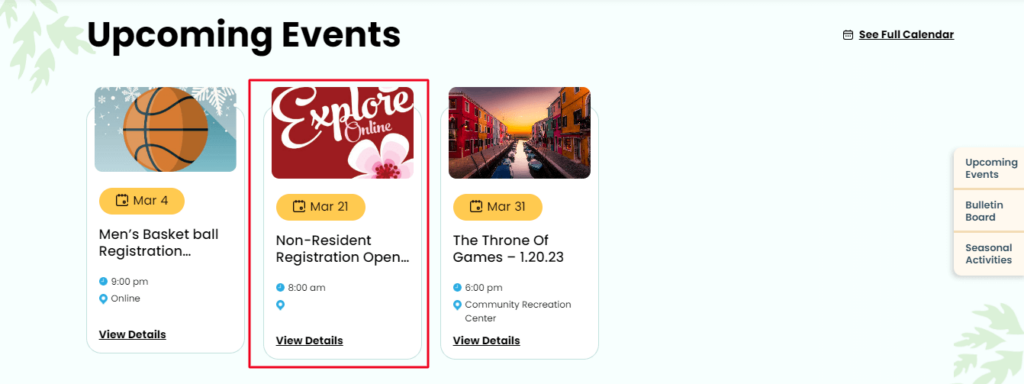
Go to the front-end of the website to check out your work.
Categories
Agendas & Minutes
(3)
Bulletin Board
(3)
Events
(2)
FlipBook
(2)
Guidelines
(1)
Home Page
(3)
Maps
(3)
Menu
(1)
Park District Info
(1)
Parties and Rental
(2)
Project and Planning
(3)
Uncategorized
(1)
User
(1)
Ways To Program
(2)
Scroll to Top