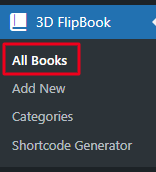
Navigate to the 3D Flipbook -> Click on All Books.
You will get listing of all pdf -> Click on Edit
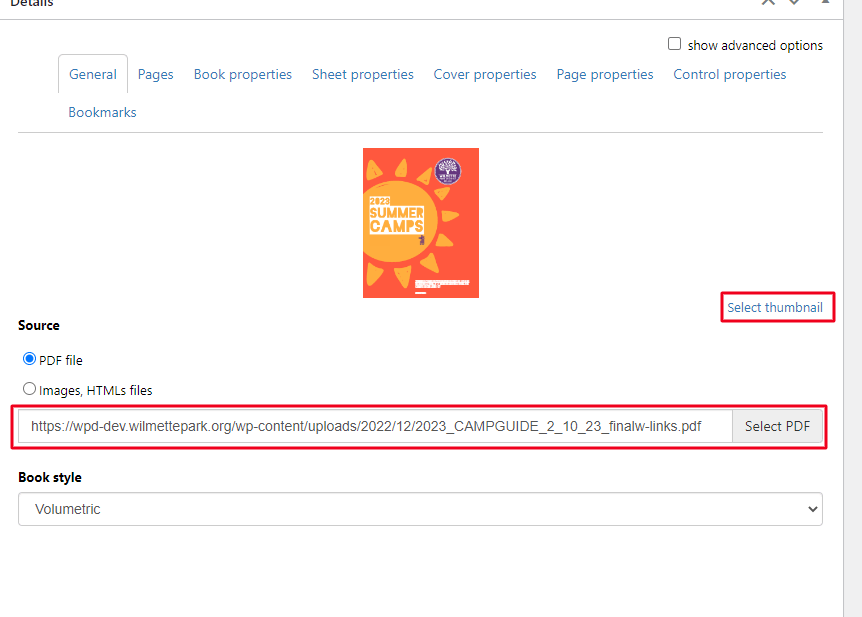
You can replace thumbnail just clicking on Select thumbnail and replace with new. To replace pdf click on Select PDF and upload your new pdf. Just click on Update button after doing all the changes.