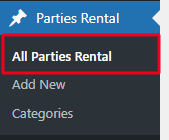
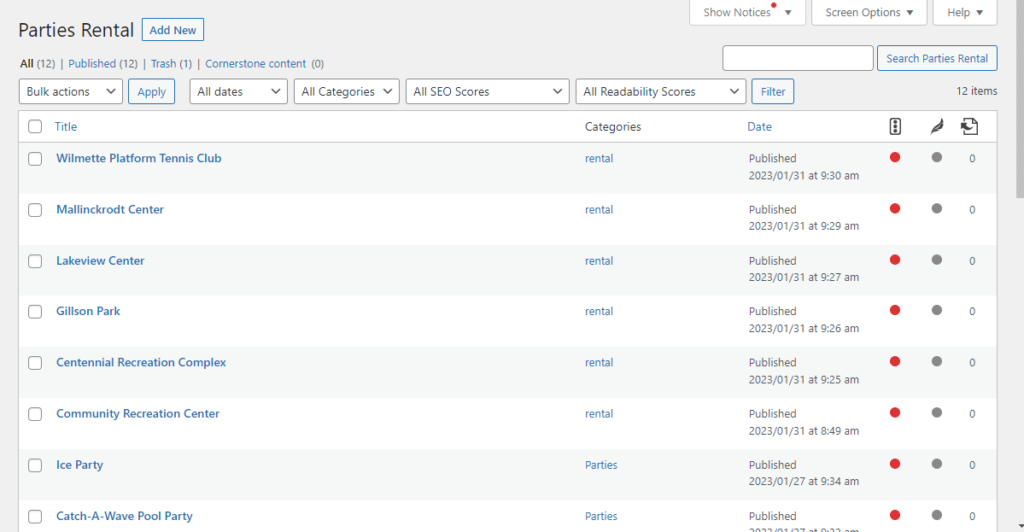
Navigate to the Parties Rental-> Click All Parties Rental.
You will get Listing of Parties and Rentals Pages.
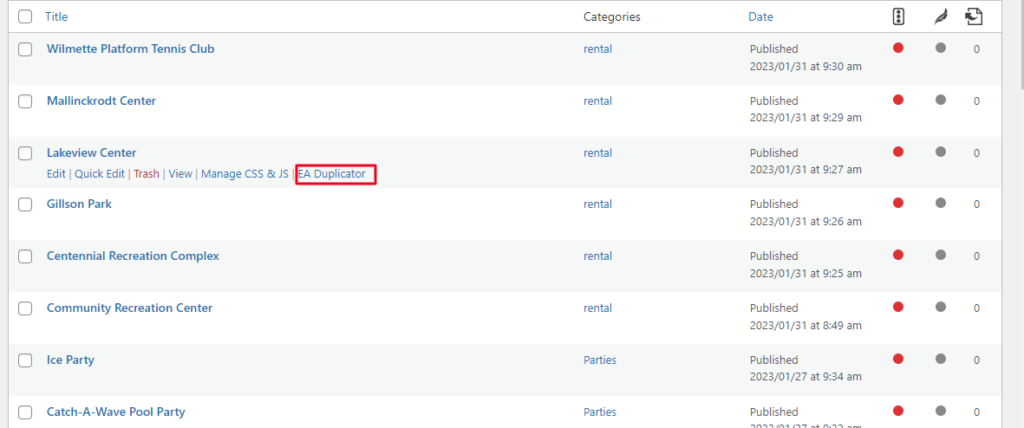
Hover over page and create duplicate of existing page by click on EA duplicate option.
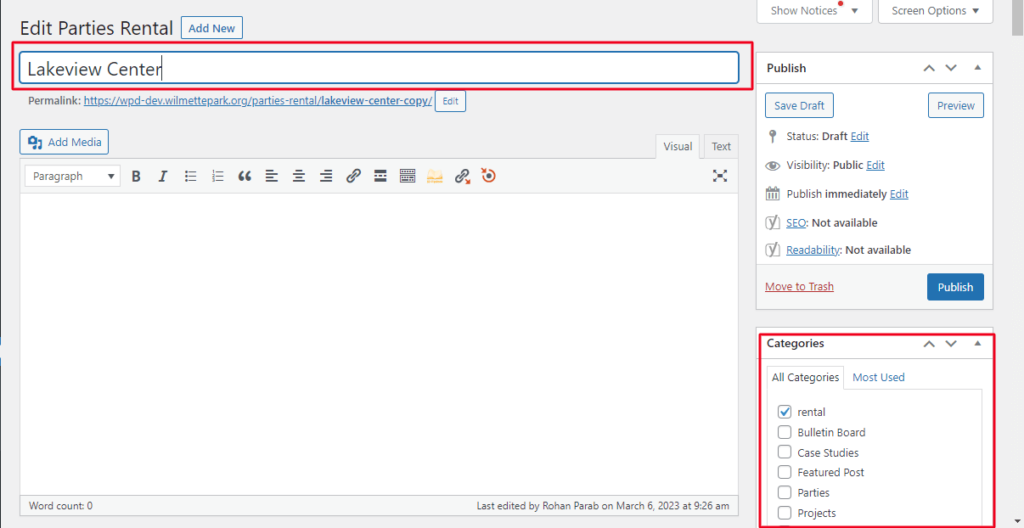
Add Rental or Parties Page Title -> Tick Categories on which you want display Parties or Rental
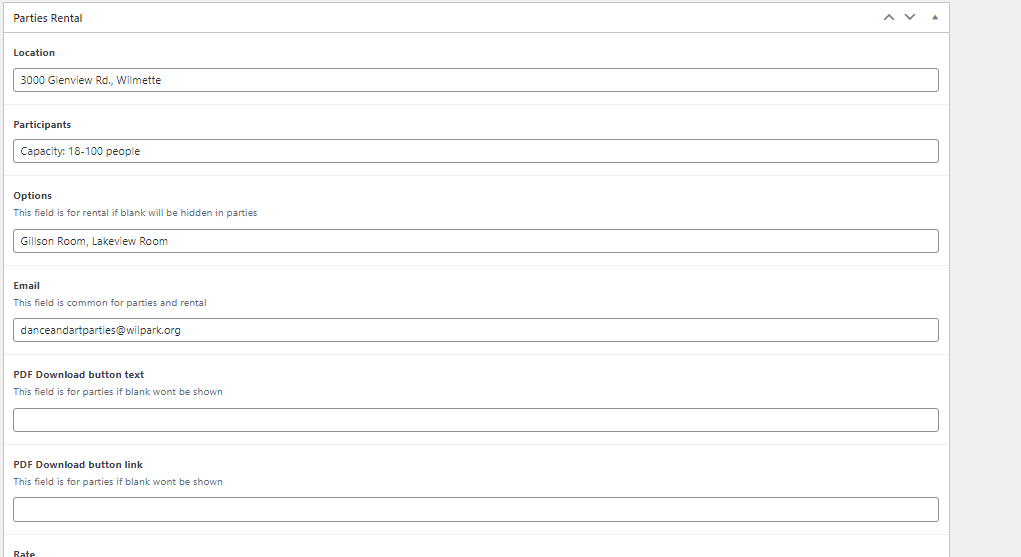
Scroll down and fill out other details in Parties Rental Editor for example : location, participants etc.
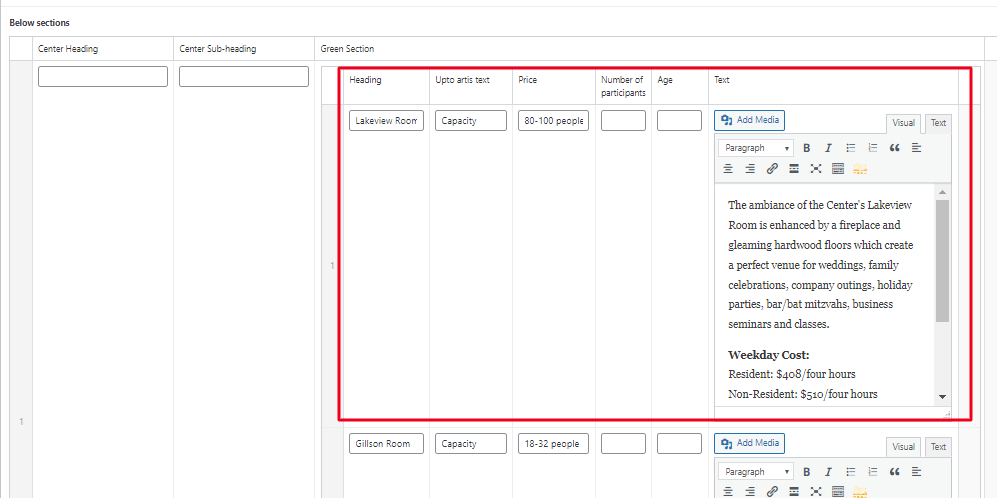
On Backend
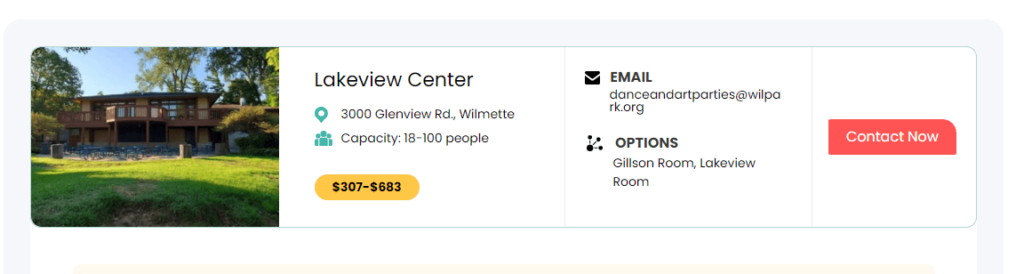
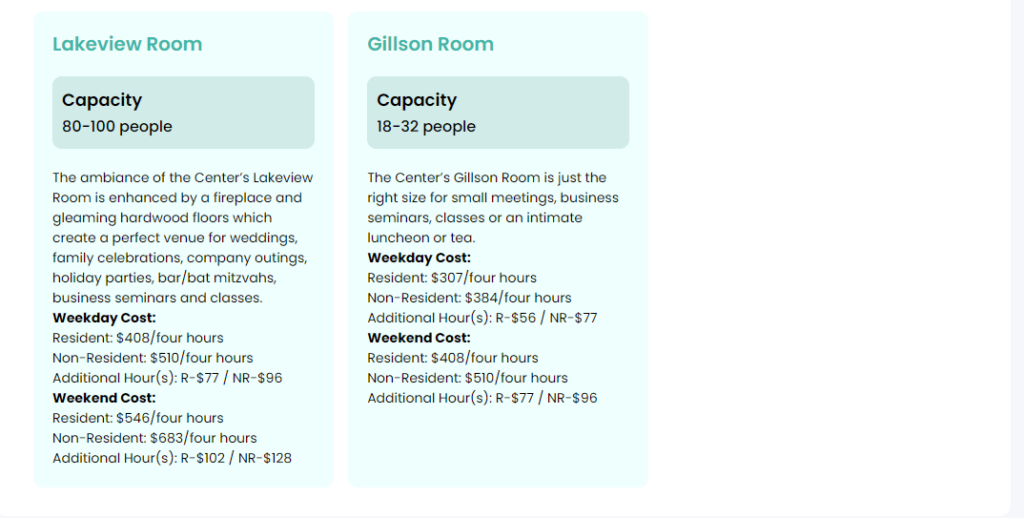
Display on Frontend
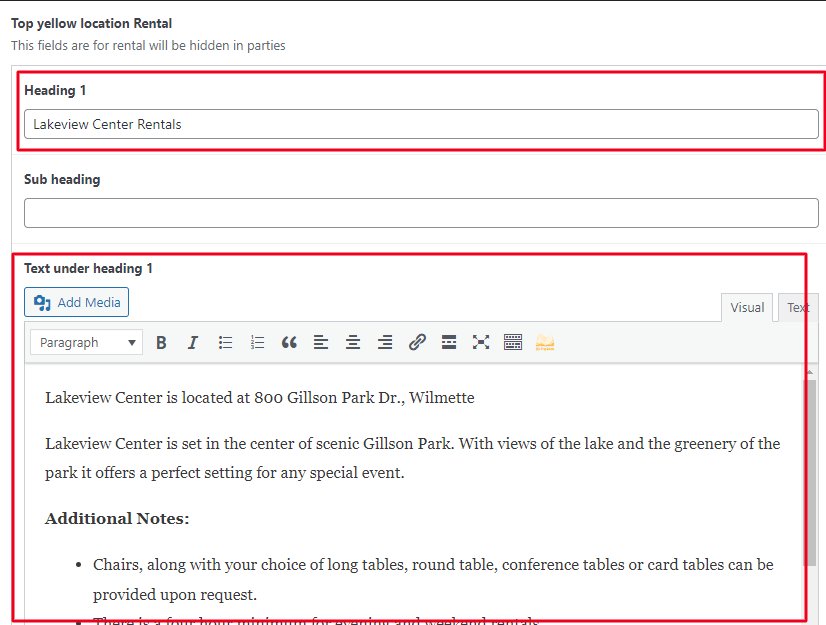
Add Heading and Text as per your content.
On Backend
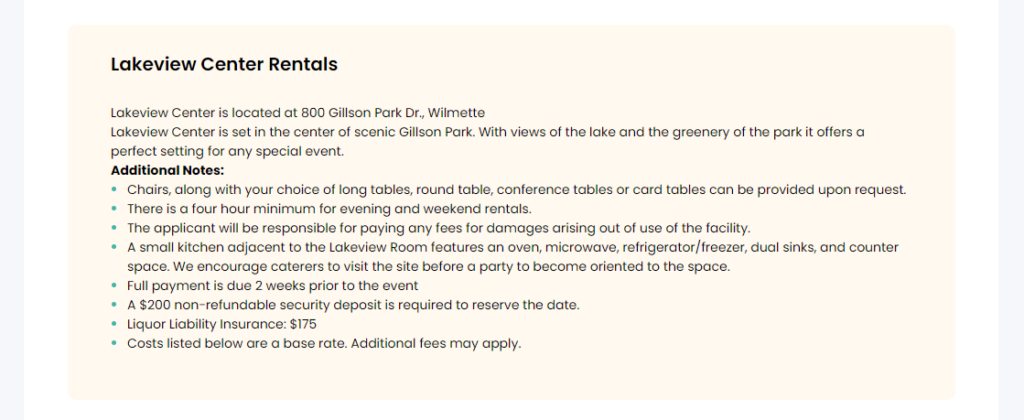
Display on Frontend
On Backend
Display on Frontend
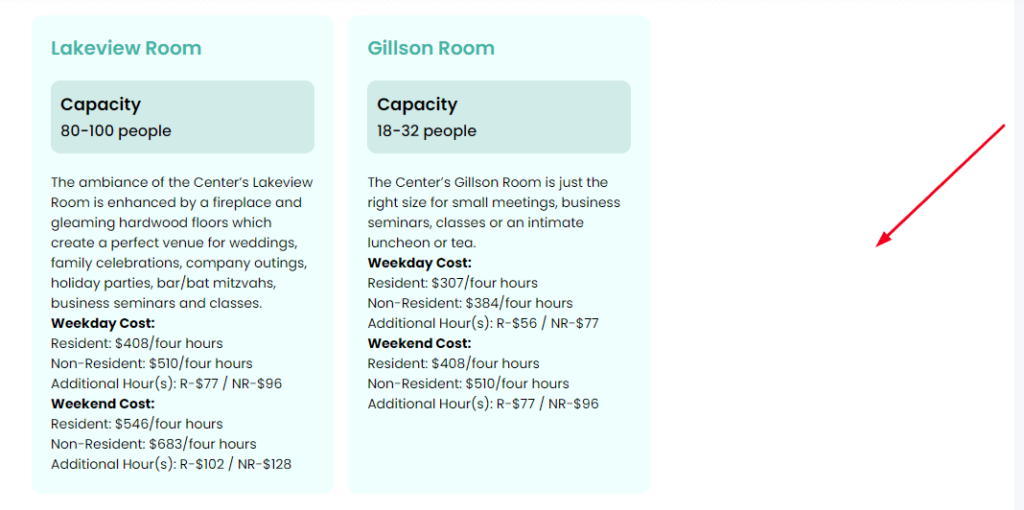
For Example : You want to third row on your rental page. Go to backend. By clicking on Edit Page
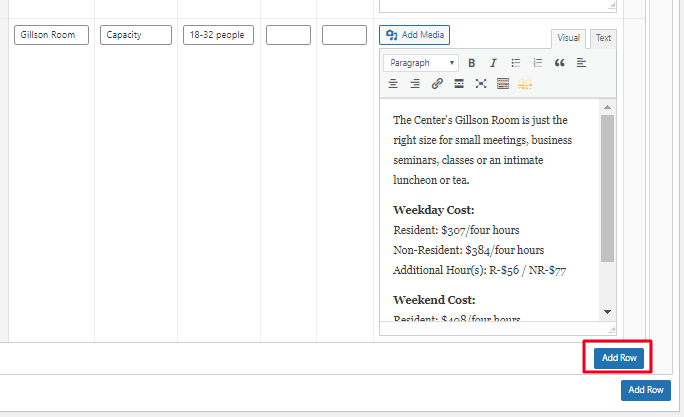
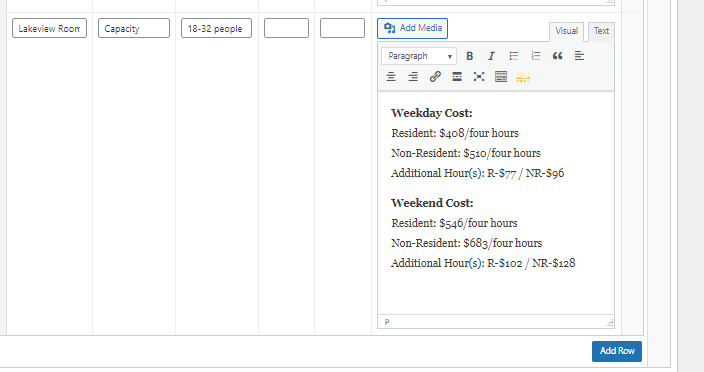
Navigate to the Parties Rental -> Click All Parties Rental -> Hover a page which you want to edit and Click on Edit option. Go to Section -> Click on Add Row.
New Row will get added on your section -> Simply Added Heading, Price, Text etc.
After adding all information -> Click on Publish.
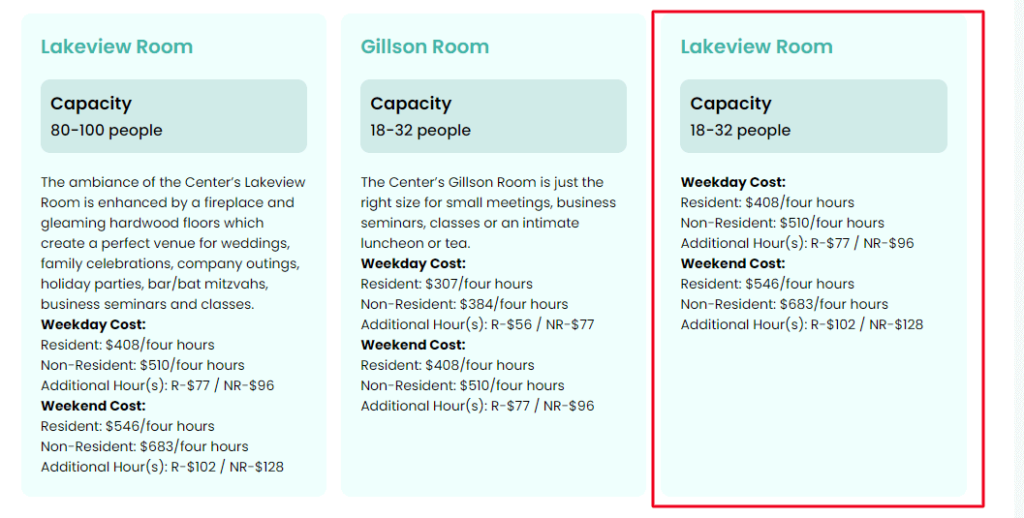
Click on Preview. You can see on below image third row is added on your Section.
How to Delete Parties and Rental Pages
Navigate to the Parties Rental -> Click All Parties Rental -> Hover over the page that you want to delete, then click the Trash option.