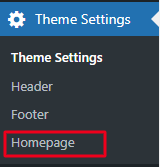
Navigate to the Theme Settings -> Click on Home Page.
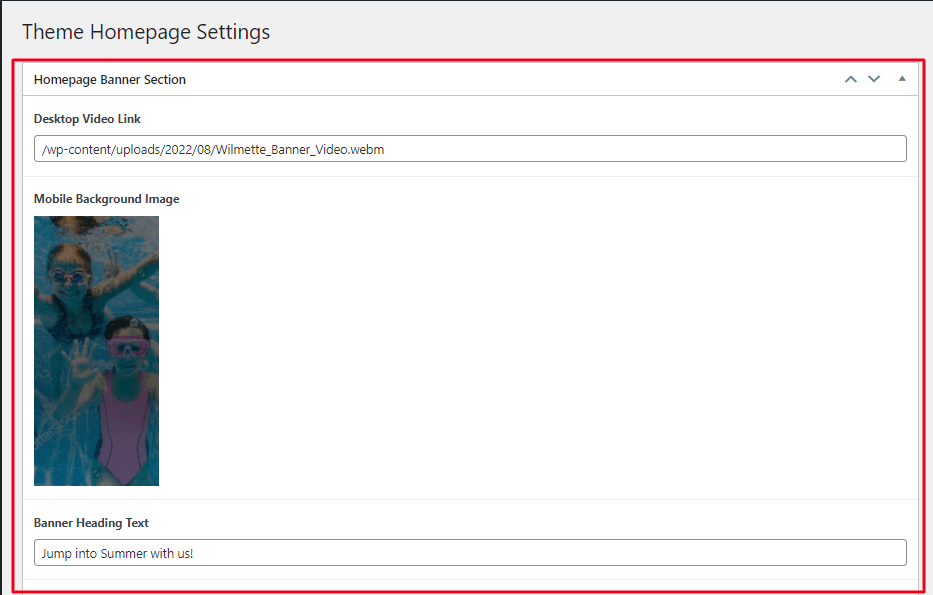
You can see Theme Homepage Settings option on right side will look as shown below.
If you want to change banner text or video. Simply click on Homepage Banner Section Editor added your video url on desktop video link. To change mobile background image
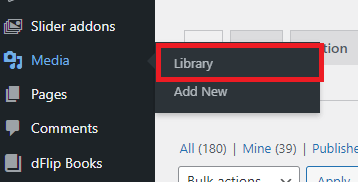
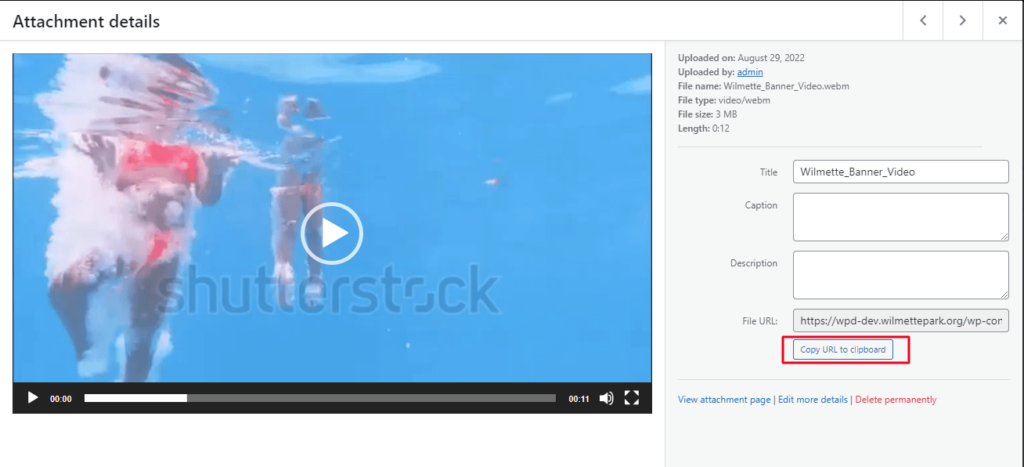
To add video link -> Go to Dashboard -> Navigate on Media -> Click on Library.
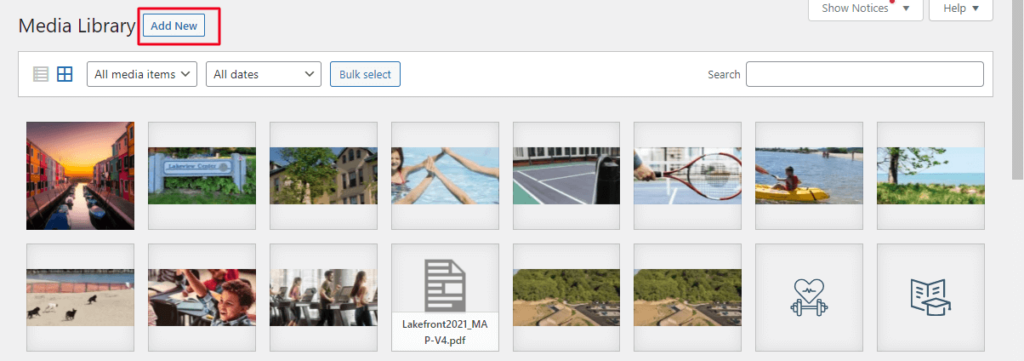
Click on Add new -> Upload your video.
After Uploading you can see attachment details. Copy file Url and paste it on Video Link.
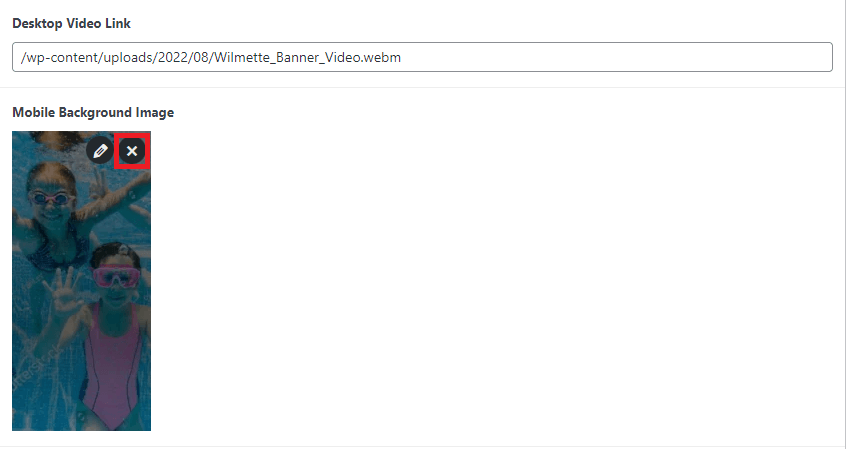
To Change Mobile background image -> Hover over the image remove existing.
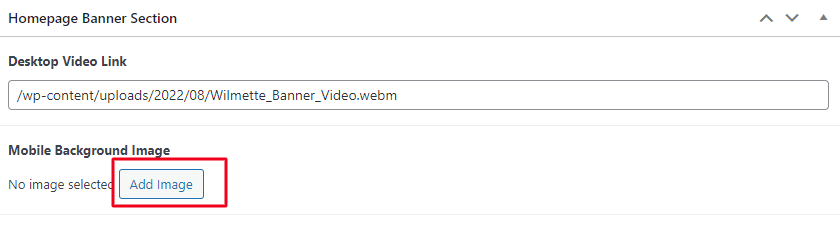
You will get add image button click on it -> Upload your new image.
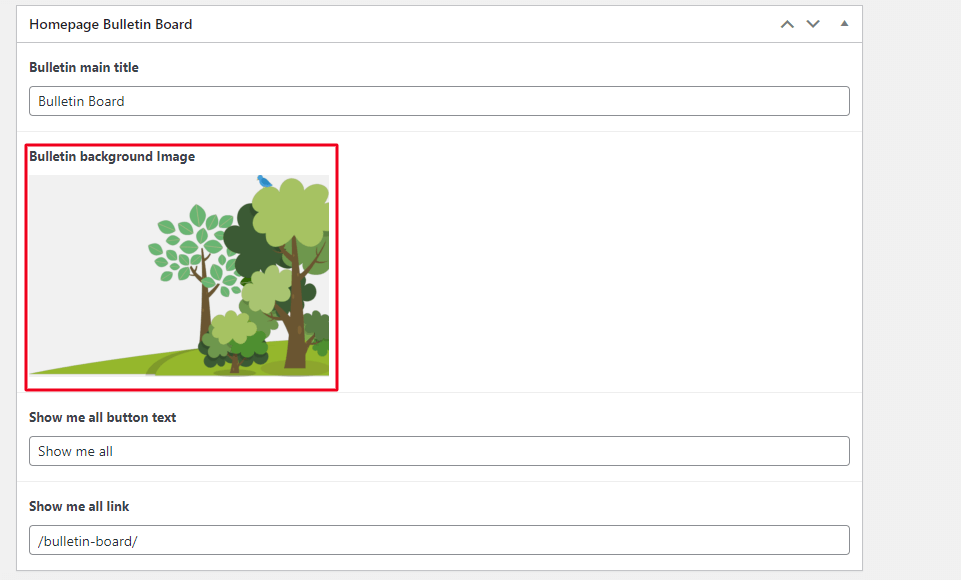
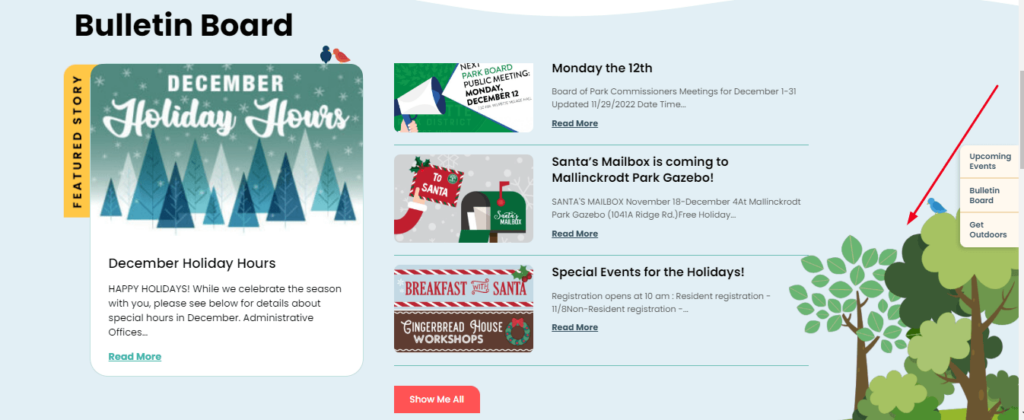
Scroll down you can see Bulletin Board where you can change bulletin background image, Title etc.
Scroll down you can see Bulletin Board where you can change bulletin background image, Title etc.
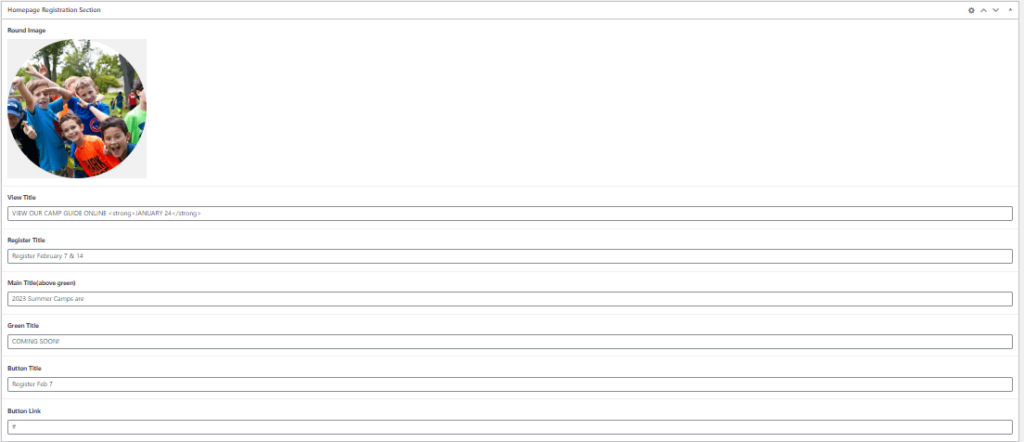
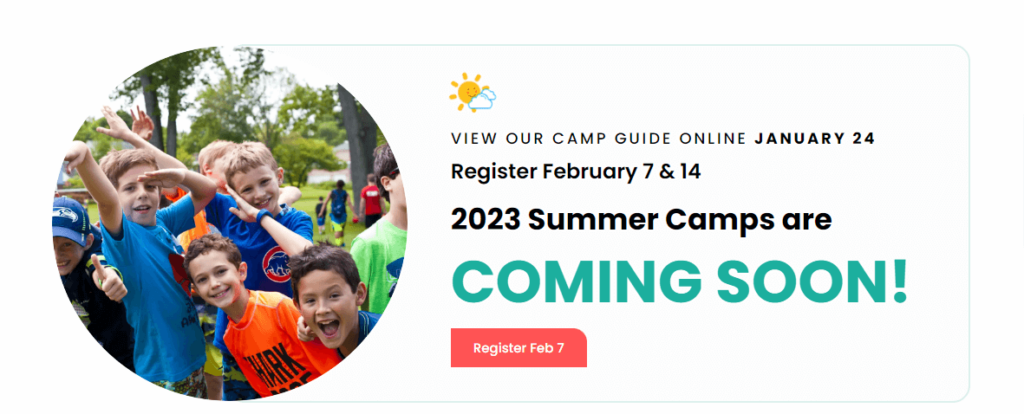
Similarly you can change details of Registration Section.
After doing all the changes click on Publish or Update.
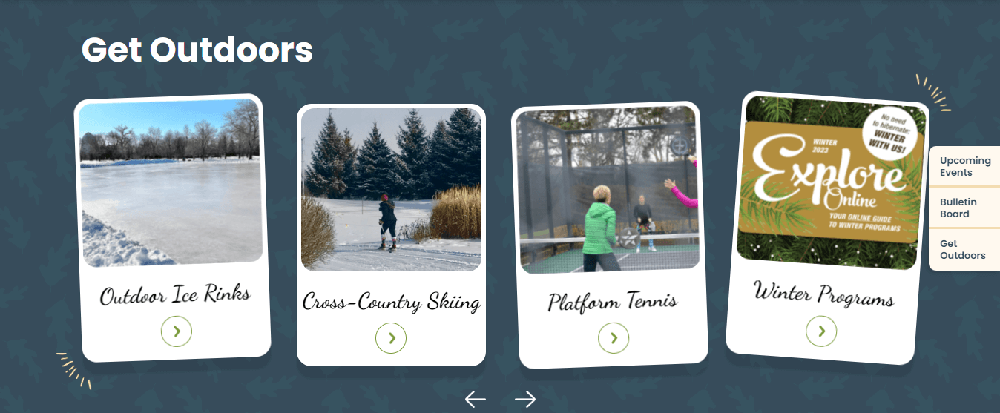
To Edit Get Outdoor Section
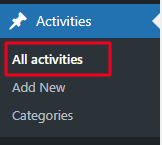
Go to wordpress dashboard -> Navigate on Activities -> Click on All activity.
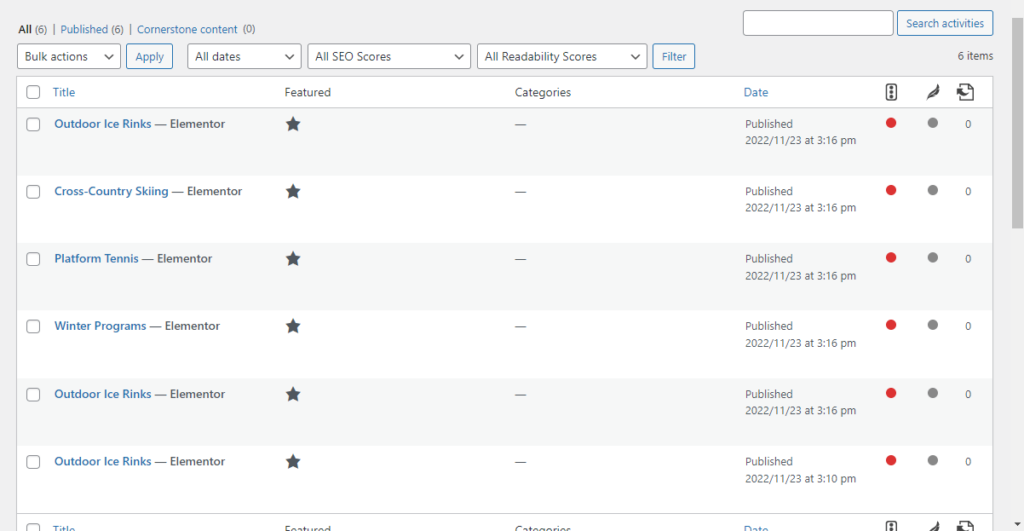
You can see the listing of all activity.
Hover over the page which you want to edit or you can added new activity as we have followed setup on for Bulletin Board post.
After doing all the changes Update or Publish your post.