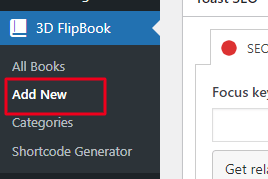
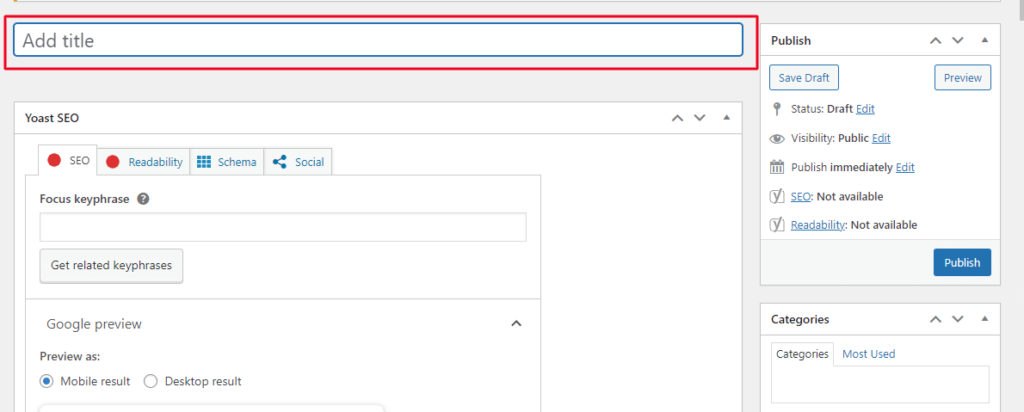
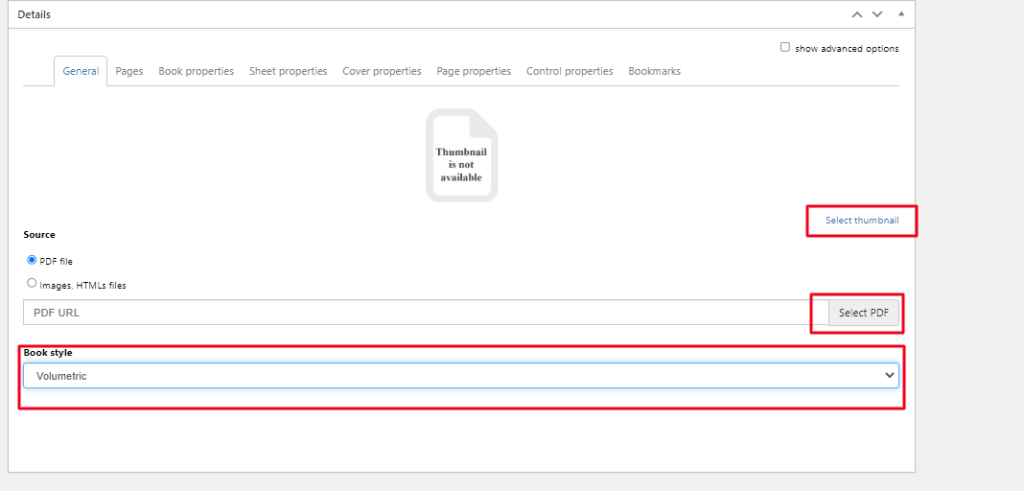
Scroll down in Deatails -> Select your pdf Thumbnail -> Upload your pdf -> Click a Book style.
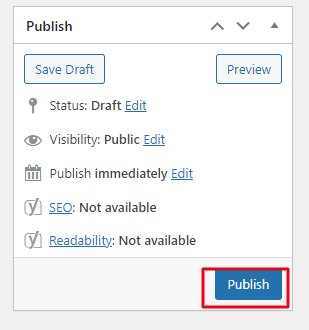
After Updating all details just click on Publish.
How to add flipbook shortcode in Page
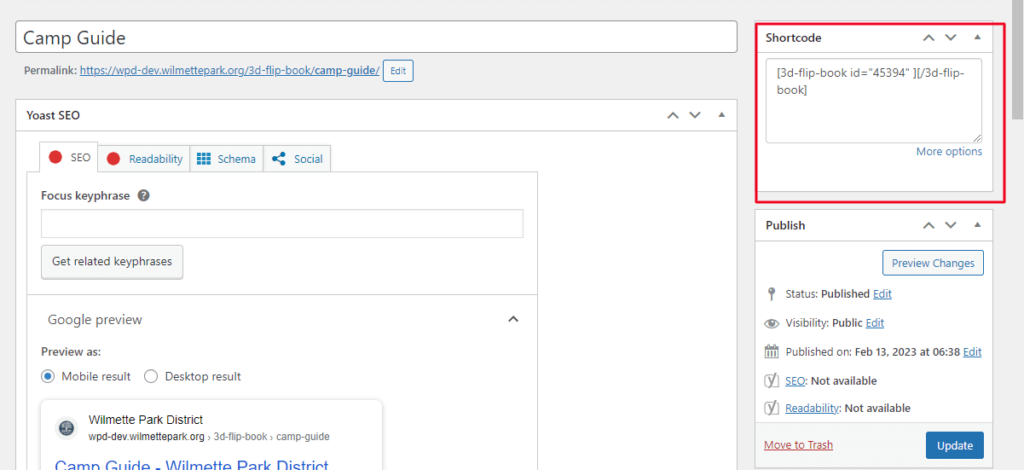
You can see on Right sidebar there is Shortcode. Copy that code and paste to in your page.
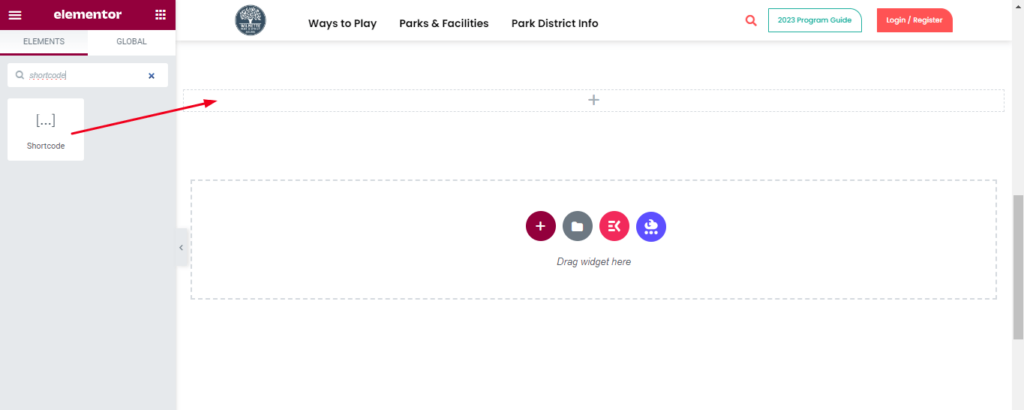
Drag an Elementor Shortcode Widget to your page or template.
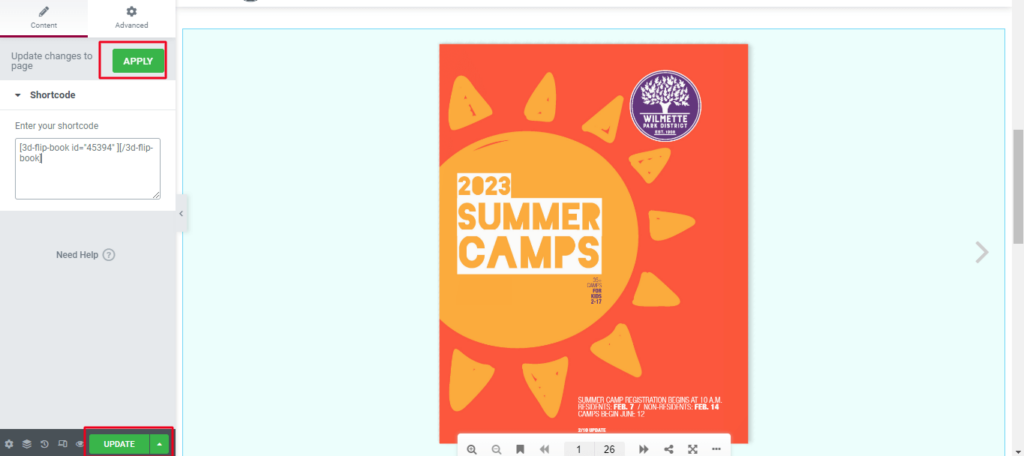
Paste your flipbook shortcode in the textbox area provided -> Click on Apply -> Update your page. You can see the output -> Flipbook added in our page.