How to Add Post

  • Log in to the WordPress Administrator Dashboard.
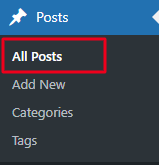
  • Navigate to Posts -> All Posts -> Duplicate existing post by clicking on option EA Duplicate.
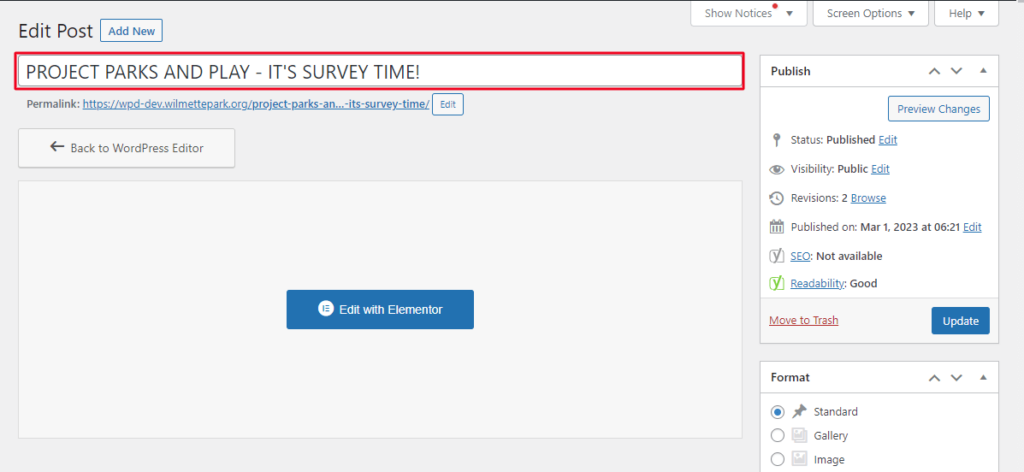
  • Added a Title for your post
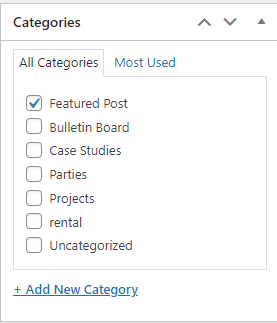
  • Select the Post Category Feature Post by check marking it in the right sidebar.

  • Upload your post image.
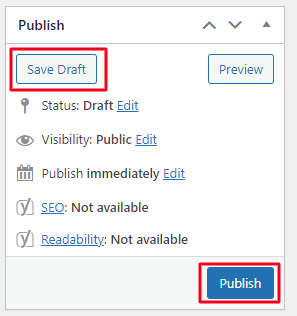
  • After Adding all the details click on Publish or Save Draft post will save in draft.
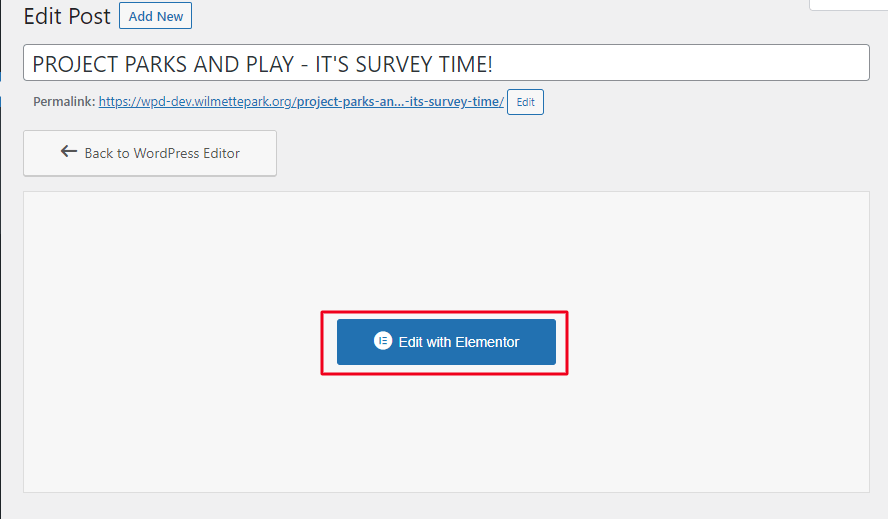
  • Click on Edit with Elementor button to add/edit post details. 
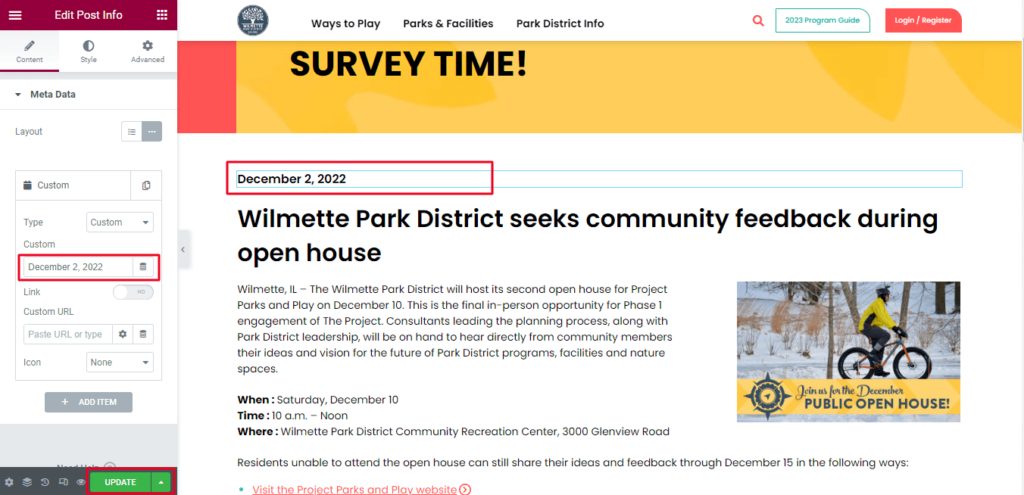
  • Click on the element which you want to edit update Post date.
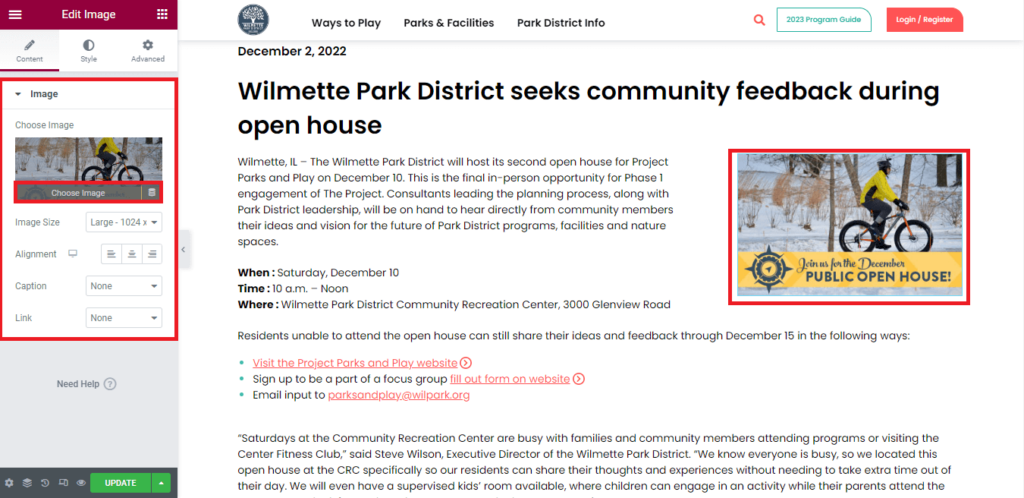
  • For example : To change image click on image -> Upload new image -> After doing all the desire changes click on Update.
Scroll to Top