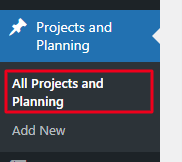
Navigate to the Project and Planning -> Click All Project and Planing.
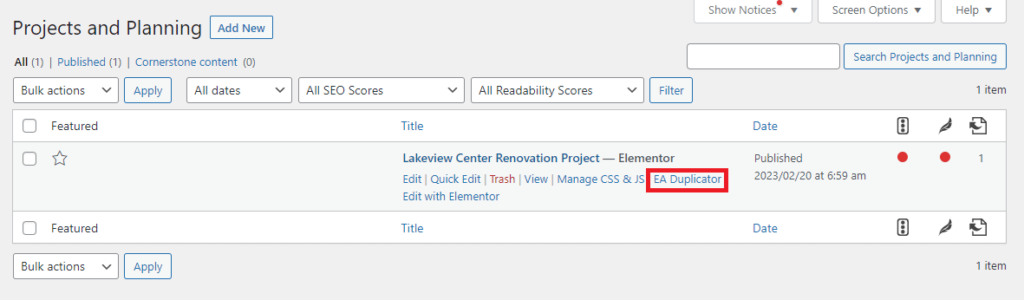
You will get project and planing listing -> Click on EA Duplicator to duplicate existing page.
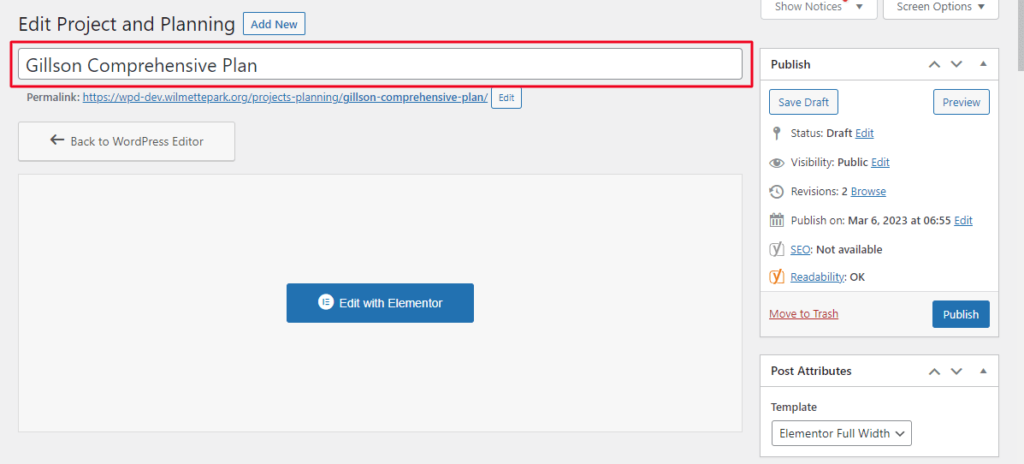
Added Title to your Project.
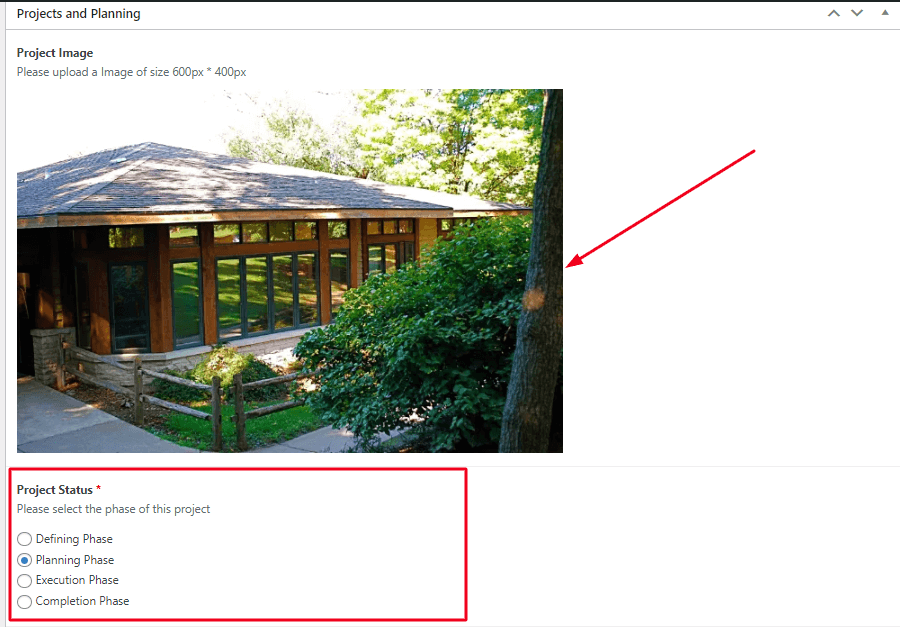
Scroll Down you can see the Project and Planning Editor -> Added project image(600px * 400px) for your project -> Click on Project Status.
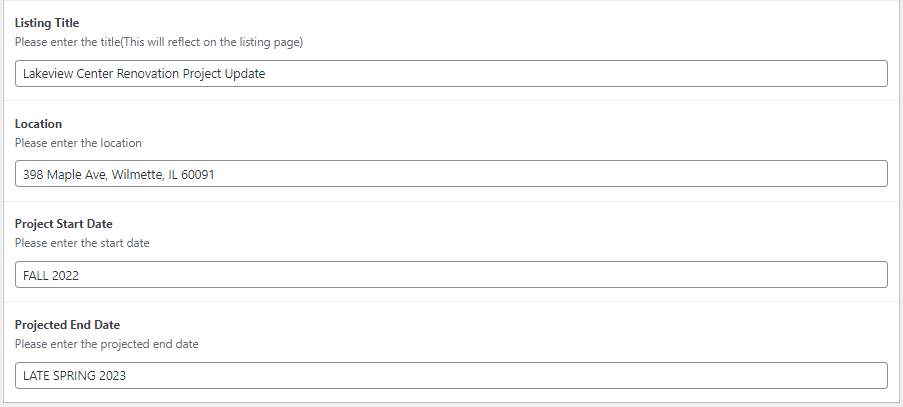
Scroll down and fill out other details(For Example : Listing Title, Loctation etc)
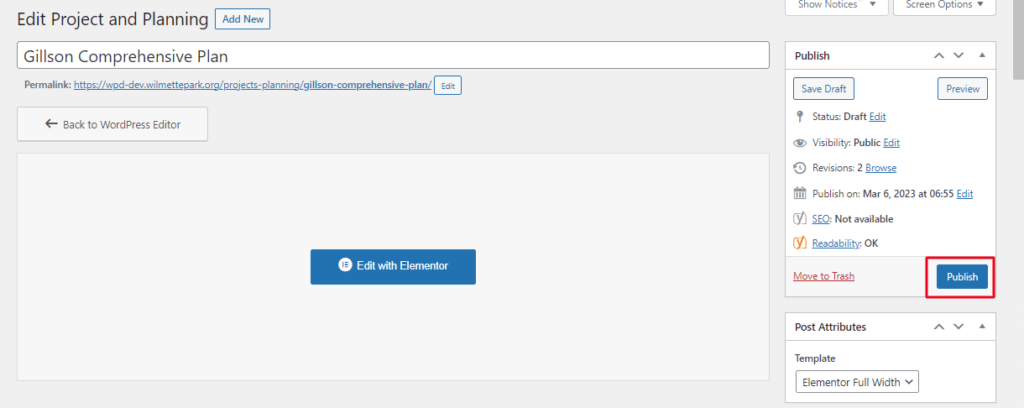
After Making all the desire Changes click on Publish.
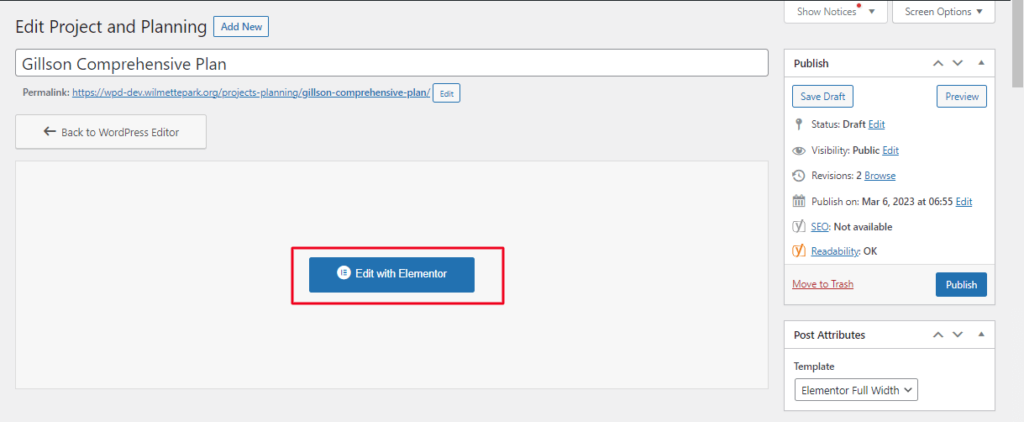
Click on Edit with Elementor -> To edit Project Planning Detail page
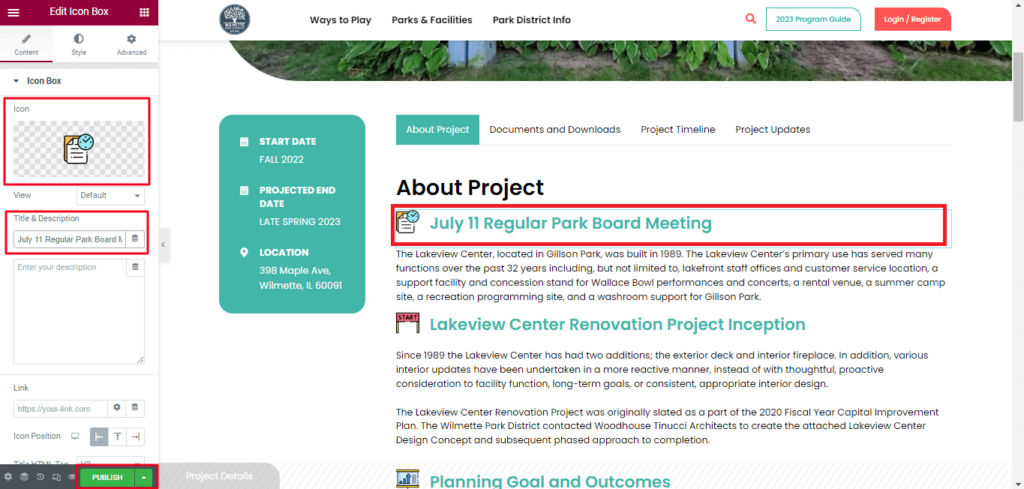
Simply Click on element with you want to edit -> For Example : Click on icon box from left side you can edit icon and Title. After doing all desire changes click on Public or Update.